


Example results generated with Gluely
AI Video Generator — Text & Image to Video
Generate AI videos from text prompts or images. Kling, Veo 3.1, Sora 2, and more. Photorealistic AI video generator free on iOS.
76+
AI Styles
4.8
App Store
Free
To Start
Free on iOS · No account needed
About AI Video Generator
AI video generation in 2026 is split across a dozen apps, each locked to a single model. Gluely puts five of the top models — Kling 2.0, Google Veo 3.1, OpenAI Sora 2, MiniMax Video, and Hunyuan Video — behind one interface. Write a prompt once, run it through whichever model fits the shot, and compare results side by side.
There are two workflows. Text-to-video starts from a written description: you type a scene, pick a model, and get a 3–10 second clip back. Image-to-video starts from a still photo: upload a portrait, landscape, or product shot and the AI adds camera movement, physics, and lighting shifts to bring it to life. Both run on-device through Gluely's iOS app.
Each model has a different character. Kling handles realistic human motion well. Veo 3.1 is strong on cinematic lighting and scene composition. Sora 2 tends to produce smooth, stylized motion. Instead of committing to one model and hoping it fits your project, you pick the right tool for the shot.
Key Features
Five AI video models in one app
Kling 2.0, Google Veo 3.1, OpenAI Sora 2, MiniMax Video, and Hunyuan Video are all available from the same generation screen. No switching apps, no separate accounts.
Text-to-video and image-to-video
Start from a text prompt for scenes you imagine, or upload an existing photo and let the AI animate it. Product shots, portraits, and landscapes all work as source images.
Built-in timeline editor
Generate multiple clips, then arrange them on Gluely's timeline. Trim start and end points with drag handles, reorder scenes, and export a finished video — no separate editing app needed.
Credit-based pricing with free tier
Video generation costs vary by model and clip length. Gluely includes free credits on download so you can test models before subscribing. No hidden fees or per-render surprise charges.
Use Cases
Short-form social content
Generate 3–5 second clips for TikTok, Reels, or YouTube Shorts without filming anything. Pair with Gluely's auto-captions tool to add text overlays before posting.
Product and brand videos
Turn a flat product photo into a rotating 3D-style video, or generate a lifestyle scene showing your product in context. Useful for Shopify stores, Amazon listings, and ad creative.
Storyboarding and concept visualization
Quickly test scene ideas before committing to a full production shoot. Write prompts for each scene, generate rough clips, and share with your team or client for feedback.
Photo animation and memory videos
Animate old family photos, travel pictures, or pet shots. Image-to-video adds subtle motion — a slight head turn, wind in hair, water rippling — that turns a still moment into something shareable.
How It Works
Describe or Upload
Enter a text prompt describing your video, or upload an image to animate.
Choose AI Model
Select from Kling, Veo 3.1, Sora 2, MiniMax, or Hunyuan for different styles.
Download Your Video
AI generates your video in minutes — download in full quality or edit further.
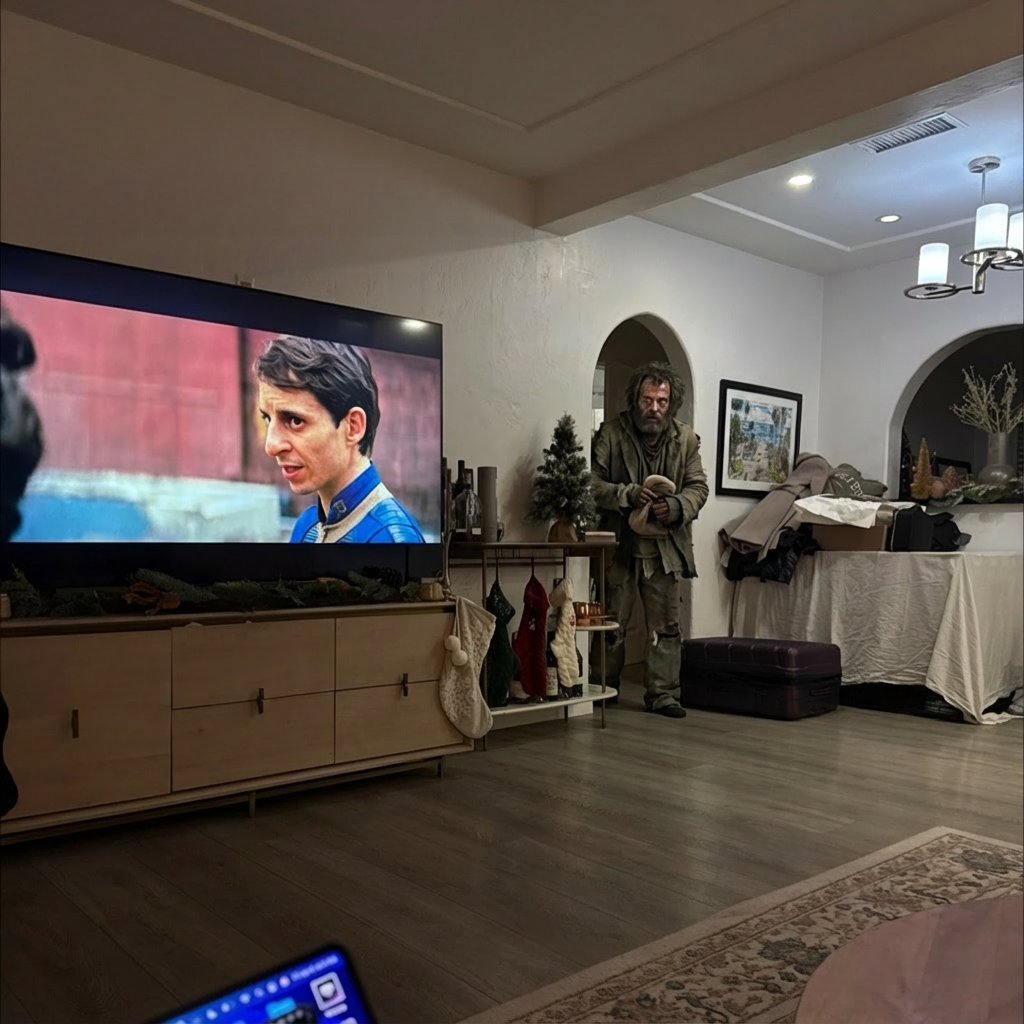
AI Video Generator Examples
Real results generated by Gluely users. Tap any style to try it.


Try AI Video Generator Free
Photorealistic results in seconds. No watermarks. Free credits to start.
Download on App StoreFree on iOS · No account required to start

Related AI Tools
Frequently Asked Questions
What is the best AI video generator?
It depends on the shot. Kling 2.0 handles realistic human motion. Google Veo 3.1 excels at cinematic lighting. OpenAI Sora 2 produces smooth stylized clips. Gluely gives you all five major models so you can test each one and pick what fits your project.
How does AI video generation work?
You provide a text prompt or an image. The AI model processes it through a diffusion network that generates video frames one at a time, predicting motion, lighting changes, and physics for each frame. The result is a 3–10 second clip rendered at up to 1080p.
Can I generate AI videos for free?
Yes. Gluely includes free credits on download — enough to generate several test clips across different models. After that, subscriptions start at $7.99/week. Video generation uses more credits than image generation because the compute cost is higher.
How long are AI-generated videos?
Current AI video models produce clips between 3 and 10 seconds. You can generate multiple clips and combine them in Gluely's built-in timeline editor to create longer sequences.
Can I turn a photo into a video?
Yes — Gluely's image-to-video workflow lets you upload any photo and the AI adds realistic motion. It works on portraits, landscapes, product shots, and more. The AI infers depth and movement from the still image.
What resolution are AI-generated videos?
Output resolution depends on the model, but most produce 720p or 1080p clips. Gluely exports at the model's native resolution with no additional compression.
Download Gluely Free
Photorealistic results in seconds. No watermarks. Free credits to start.
Download on App StoreFree on iOS · No account required to start
Published by Gluely · Updated March 2026